 by marko.com.hr
by marko.com.hr
by marko.com.hr
Manually inviting users who react to your Facebook posts takes hours. Pow! automates the process safely, letting you turn post engagement into page likes in just one click.
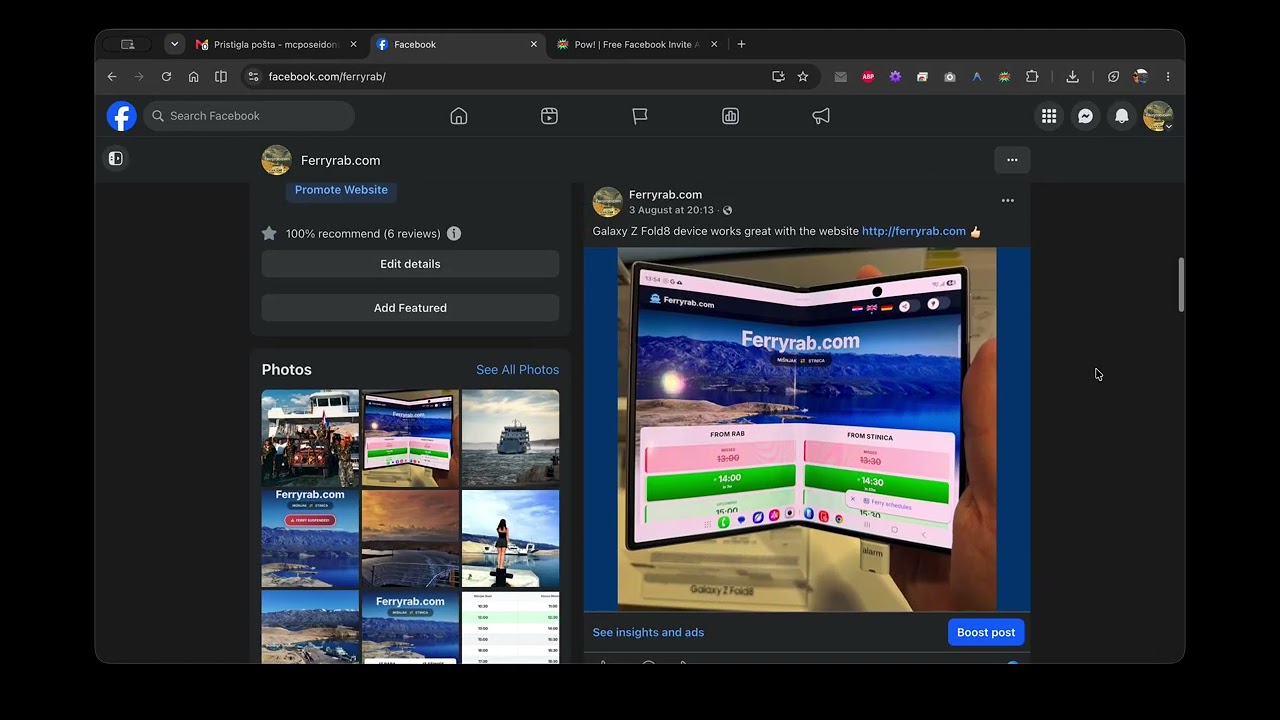
Click anywhere to play HD video in lightbox
A simpler, cleaner, and completely free alternative to expensive subscription tools.
Unlike cloud bots, Pow! operates entirely locally inside your own browser. No data ever leaves your computer, ensuring complete compliance with Facebook's privacy standards.
No subscriptions, no trials, no hidden credits. Automate as many invites as you want without ever reaching into your wallet. Designed as an open-source utility.
Configurable random delays (2s - 5s default) mimic human scrolling and clicking patterns, protecting your Facebook account from triggers, bans, or rate-limiting blockades.
Dynamically scans reactions lists and translates invitations across 25+ distinct languages. Works out of the box globally, adapting directly to your Facebook language setting.
Pow! is now available on the official Chrome Web Store. Install it with one click, pin it, and you're ready to go.
Click the button below to open the official Pow! listing on the Chrome Web Store. Then click "Add to Chrome" and confirm the permissions in the popup dialog.
Open Chrome Web StoreAfter installing, click the puzzle piece icon (🧩) in the top-right corner of Chrome. Find Pow! in the list and click the pin icon 📌 so it's always visible in your toolbar for quick access.
Navigate to any Facebook Page post that has reactions. The Pow! panel will appear automatically. Click "Full Scan" and watch it invite reactors to like your page — hands-free.
Pow! has been reviewed and published on the official Chrome Web Store, meeting Google's safety and privacy standards. The extension runs 100% client-side with zero external connections — your data never leaves your browser. Fully transparent, fully open-source, and forever free.